The studio,walked through.
Three minutes from install to first shot. Thirty seconds per generation thereafter. The flow is short on purpose — Sarah doesn't have time for a SaaS tutorial.
install → first shot < 3 min · then 30s per shot
Install on ShopifySee what happens behind the scenes →From catalog to livein four small moves.
No CSVs. No Dropbox folders to email. No three-week studio calendar. The whole shoot collapses into a flow that lives in your Shopify admin.
 step 01
01
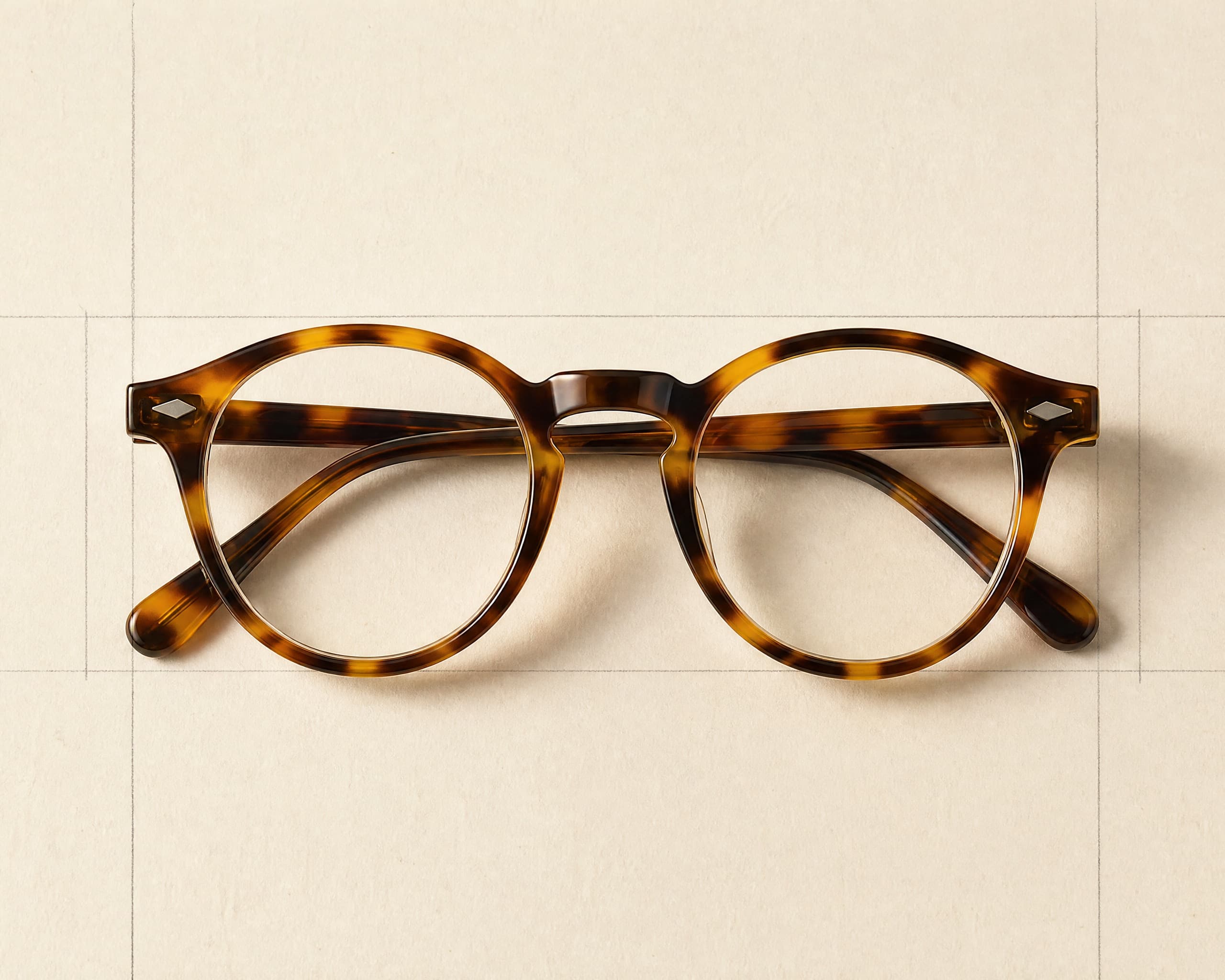
Pick a product from your Shopify catalog.
We auto-import your store on install. Choose any SKU — a linen overshirt, a watch, a pair of frames — or upload a fresh photo. The product becomes the reference, your existing brand becomes the floor.
auto-import · 2,400+ SKUs in seconds
 step 02
02
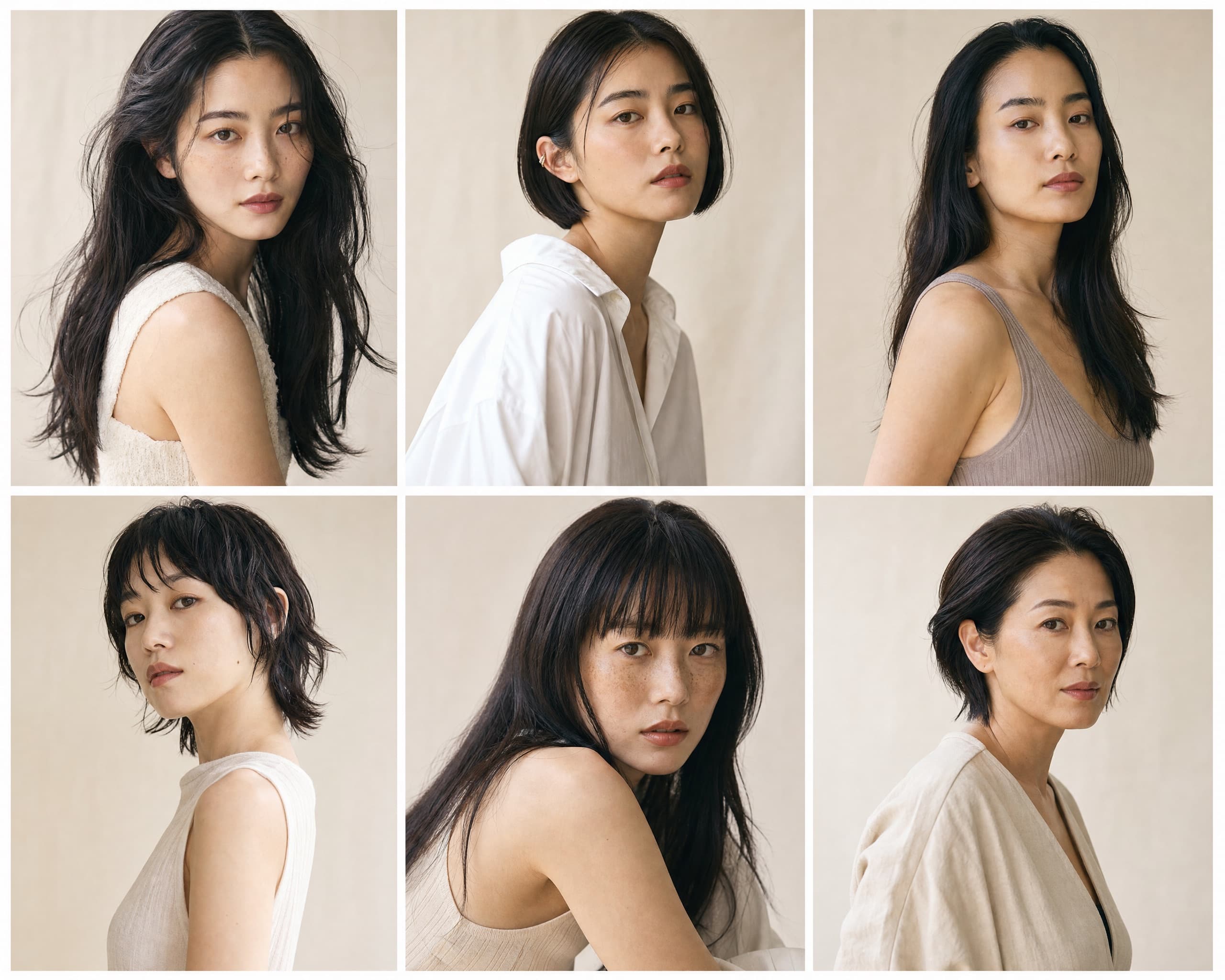
Choose a model and a scene.
Twenty-plus diverse models — varied skin tones, ages, face shapes, vibes. Pick a scene preset (studio cyc, seoul loft, sunset rooftop) or upload your own moodboard reference.
20+ models · 14 scene presets · custom uploads
 step 03
03
Four shippable variations in 15–30 seconds.
Generated in parallel, never just one. Five categories of craft: clothing, eyewear, jewelry, watches, hats — each with category-specific prompt rules so the seam, the hour marker, the brim curve, the lens are where they should be. Pick the favorite, regenerate, or send all four to your art director.
4 in parallel · 15–30s · five categories templated to the millimeter
 step 04
04
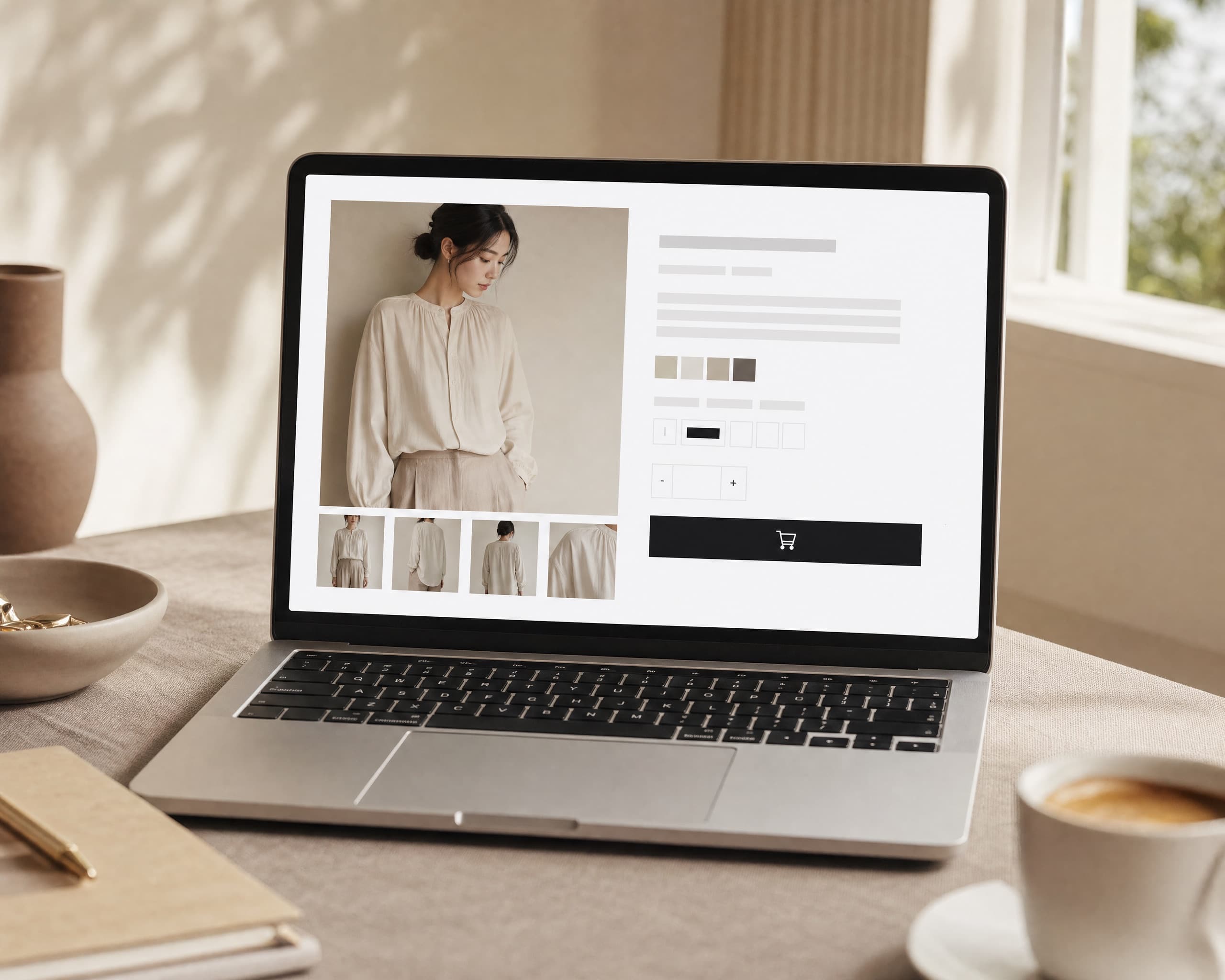
One click pushes the shot to the right variant.
The image lands on the exact colour or size variant — not just the parent product. Alt text, SEO title, and SEO description ship with it, written from the same brief that made the shot. Add a new product in Shopify and four photos are waiting in your studio when you reopen.
variant-aware · alt + SEO + description filled · auto-generate on new SKUs

Match this style.
Upload one shot. We anchor every future generation to its light, model, and warmth — across every SKU.
palette
- model
- Sora · Maya · Iris
- scene
- seoul loft · gallery cyc
- vibe
- warm · linen · quiet
- applies to
- all 142 SKUs
Your brand,on every shot.
The fear with AI is that the brand goes generic. The brand-kit fixes it. One reference shot anchors palette, model, scene, and vibe — applied to every future generation. Same look, every SKU, forever.
- Match this style. 1 reference → infinite SKUs
- Variant batching. Same shot, every colorway
- Saved per brand. Multiple kits per Pro / Studio plan
What happensin the 30 seconds.
Six small steps. Most of them invisible. The work we put into each category — clothing through accessories — is what makes the difference between a shippable shot and a Photoshop afternoon.
You start a shoot
Pick a product, model, and scene from your studio. We line up the brief and slot it in front of paying merchants by tier.
starts the moment you hit goWe read your brand
Your brand kit — palette, model, scene, vibe — is layered on top of a category recipe we wrote for clothing, eyewear, jewelry, watches, and hats.
category-aware · brand-awareFour shots, in parallel
We render four variations at once — not one. You get options to choose from, not a single take-it-or-leave-it result.
always four · always differentEvery shot is checked
Each variation is scored for quality, brand consistency, and product accuracy before you see it. Misses get retried automatically.
quality-checked before deliveryIt lands in your studio
Variations arrive in your studio gallery in 15-30 seconds. Pick the favorite, send all four to your art director, or re-roll.
15-30 seconds · no watermark on paid plansOne click and it's live
Selected shot lands on the right product, with alt text and search metadata done for you. The old image is kept safe and reversible.
alt text · SEO · always undoable
The other tools
generate.We ship.
Other AI image tools hand you a download folder. TryOn lives inside Shopify — the catalog is the source, the product is the destination, and the round trip never leaves the admin.
Three principles·lives in shopify·works without you·earns trust
- 01
Your catalog, already in
We sync every product the moment you install. New listings show up in your studio without you lifting a finger.
no CSVs · no copy-paste - 02
Push to the right variant, not just the product
Generated shots land on the exact colour or size variant — navy XS, oat large — with the old image kept safe. Don't like it? Undo in one click.
variant-aware · always reversible - 03
Alt text, SEO title, SEO description — done
Every push fills the three Shopify SEO fields from the same brief that made the shot. Your accessibility and search ranking come along for the ride.
accessibility · SEO · zero extra work - 04
A brand kit that remembers
Save your palette, models, scenes, and vibe once. Every future generation matches — no QA round, no off-brand surprises.
one reference · every SKU - 05
New SKU? Four shots are waiting
Add a product in Shopify and four images auto-generate in the background using your brand kit defaults. Open the studio when you're ready, review, push — or turn the auto-gen off per category.
webhook-driven · opt in per category - 06
Built on Shopify-grade foundations
GDPR webhooks, session-token auth, App Bridge embed, scope minimization. The slow infrastructure other AI tools won't invest in — and the trust that comes with it.
compliance · embed · Polaris
What we willnever do.
The brand trust gap is real. Here are the lines we won't cross — written into the product, not the marketing.
No bulk overwrite
We never replace existing images without explicit per-shot confirmation.
No watermarks on paid output
Free trial output may have a faint mark; paid plans never do.
No model storage
Custom uploaded model references are deletable and never reused across brands.
No “generate everything” button
Too dangerous for live catalogs. Bulk mode is opt-in, scoped, and reviewed.
Three minutes,tops.
- 01Install from the Shopify App Store. OAuth in one click.
- 02Welcome wizard auto-scans your catalog (we read, never write).
- 03Pick one product. We pick a model and a scene to start.
- 04Hit generate. Four variations land in 15-30 seconds.
- 05Pick the favorite. One click pushes it to your product page.

Ship your next SKUbefore lunch.
Install in three clicks. Generate your first shot in under three minutes. Push it to your catalog before your coffee gets cold.
14-day trial · 25 free try-ons